

AI for Business Teams
Map a real team workflow and test one AI-assisted step together. Leave with a small pilot plan and a human review checklist.
Discuss this workshop Let’s talk
Workshops & capability building
Build your design skills at your own pace with course outlines and free worksheets, or bring your team together for a hands-on workshop in design and applied AI.
Useful learning connects a new idea to something your team actually needs to do. We shape workshops around the audience, their starting point, and the questions they bring.
Expect clear explanations, practical activities, and space to discuss how the methods apply in your context.
Workshop topics
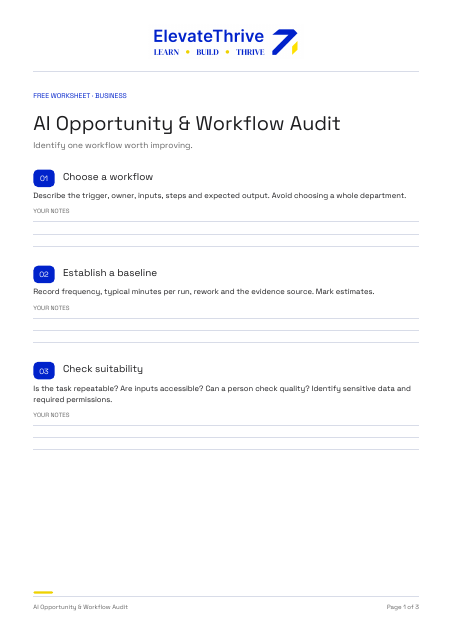
Map a real team workflow and test one AI-assisted step together. Leave with a small pilot plan and a human review checklist.
Discuss this workshop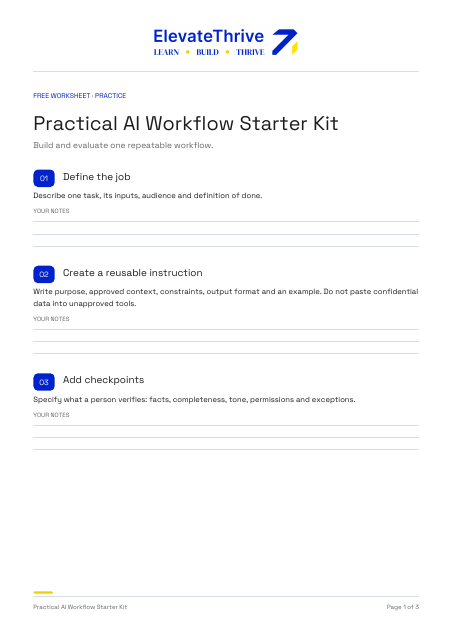
Use AI to generate alternatives for one design brief and critique them together. Leave with a repeatable workflow and criteria for judging its output.
Discuss this workshopPractice between workshops
A sneak peek at the design workshops I teach online and in person. Explore the learning path, then use the free worksheet to get started. These outlines are adapted to your audience, starting level and available time.
Online · In person
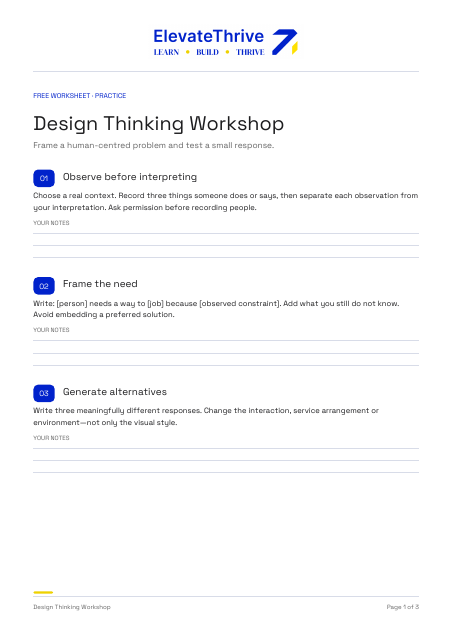
Frame a human-centred problem and test a small response.
Choose a real context. Record three things someone does or says, then separate each observation from your interpretation. Ask permission before recording people.
Write: [person] needs a way to [job] because [observed constraint]. Add what you still do not know. Avoid embedding a preferred solution.
Write three meaningfully different responses. Change the interaction, service arrangement or environment—not only the visual style.
Pick the riskiest assumption. Build a paper, role-play or click-through prototype that can expose it in one task.
Describe the task without explaining the solution. Record what the participant did, where they hesitated and what you will change. A small test is learning, not proof of market demand.
You’ll leave with: Frame a human-centred problem and test a small response.
Online · In person
Make the path from question to evidence visible.
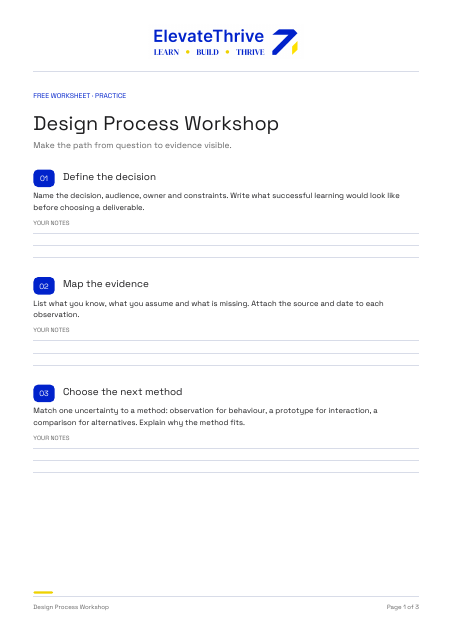
Name the decision, audience, owner and constraints. Write what successful learning would look like before choosing a deliverable.
List what you know, what you assume and what is missing. Attach the source and date to each observation.
Match one uncertainty to a method: observation for behaviour, a prototype for interaction, a comparison for alternatives. Explain why the method fits.
Map discovery, synthesis, ideation, prototyping and evaluation. For each stage, state the input, output, owner and checkpoint. Revisit earlier stages when evidence changes.
Record the choice, alternatives, evidence, trade-off and next review. Explain what would change your mind.
You’ll leave with: Make the path from question to evidence visible.
Online · In person
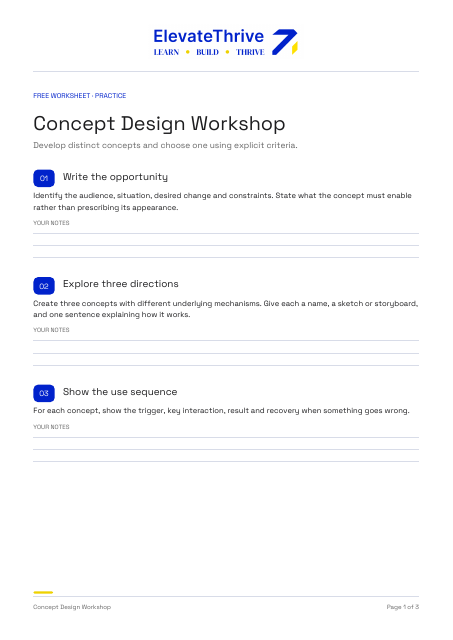
Develop distinct concepts and choose one using explicit criteria.
Identify the audience, situation, desired change and constraints. State what the concept must enable rather than prescribing its appearance.
Create three concepts with different underlying mechanisms. Give each a name, a sketch or storyboard, and one sentence explaining how it works.
For each concept, show the trigger, key interaction, result and recovery when something goes wrong.
Choose three to five criteria before scoring: user value, feasibility, accessibility, risk or resource needs. Explain each score and mark unsupported assumptions.
Select the concept with the clearest rationale, not merely the highest total. Prototype its largest uncertainty and define a continue, revise or stop signal.
You’ll leave with: Develop distinct concepts and choose one using explicit criteria.
Online · In person
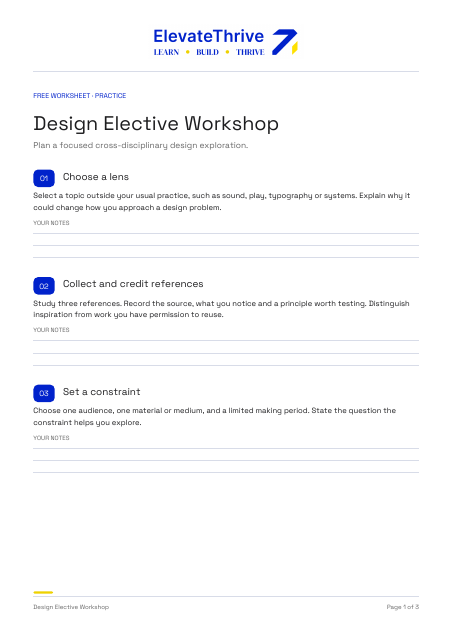
Plan a focused cross-disciplinary design exploration.
Select a topic outside your usual practice, such as sound, play, typography or systems. Explain why it could change how you approach a design problem.
Study three references. Record the source, what you notice and a principle worth testing. Distinguish inspiration from work you have permission to reuse.
Choose one audience, one material or medium, and a limited making period. State the question the constraint helps you explore.
Create a sketch, model, interaction or performance. Keep a record of the experiment, including failed attempts and changes.
Describe what you learned, where the result is limited, and how one principle could transfer into your main discipline. Choose a follow-up study.
You’ll leave with: Plan a focused cross-disciplinary design exploration.
Online · In person
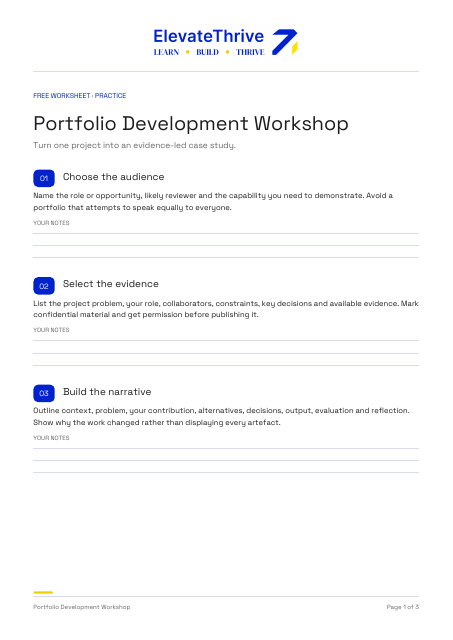
Turn one project into an evidence-led case study.
Name the role or opportunity, likely reviewer and the capability you need to demonstrate. Avoid a portfolio that attempts to speak equally to everyone.
List the project problem, your role, collaborators, constraints, key decisions and available evidence. Mark confidential material and get permission before publishing it.
Outline context, problem, your contribution, alternatives, decisions, output, evaluation and reflection. Show why the work changed rather than displaying every artefact.
For every metric or result, record the source, period, your contribution and limitations. If results were not measured, state what was tested or learned instead.
Ask someone to review the case study briefly. Can they explain the problem, your contribution and one important decision? Record confusion, then revise the first screen or sequence.
You’ll leave with: Turn one project into an evidence-led case study.
Online · In person
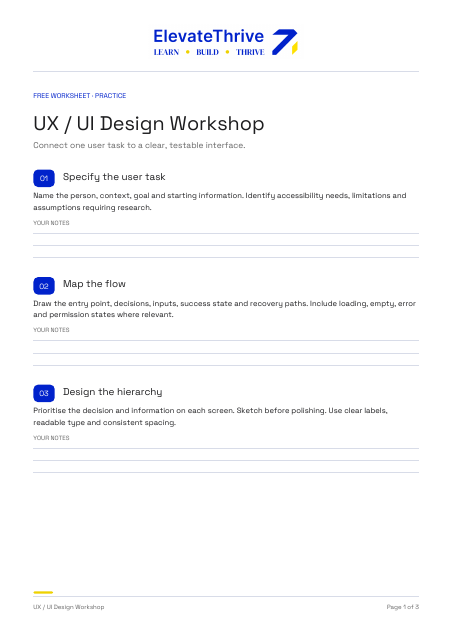
Connect one user task to a clear, testable interface.
Name the person, context, goal and starting information. Identify accessibility needs, limitations and assumptions requiring research.
Draw the entry point, decisions, inputs, success state and recovery paths. Include loading, empty, error and permission states where relevant.
Prioritise the decision and information on each screen. Sketch before polishing. Use clear labels, readable type and consistent spacing.
Review keyboard order, visible focus, labels, error messages, contrast and touch targets. Explain how the task works without hover or animation.
Give a neutral task using a prototype. Observe completion, hesitation and errors. Record limitations and prioritise one revision based on the evidence.
You’ll leave with: Connect one user task to a clear, testable interface.
Online · In person
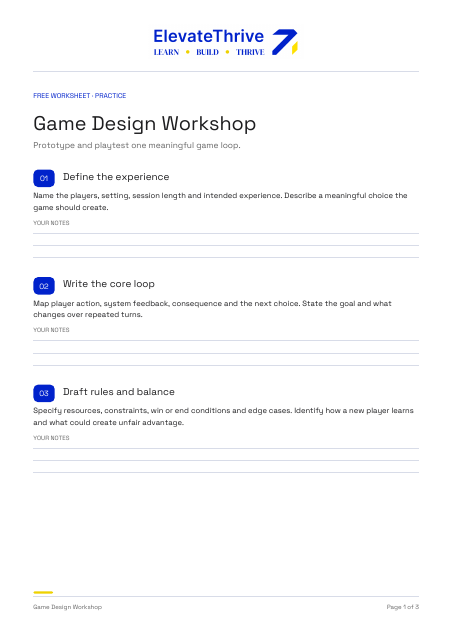
Prototype and playtest one meaningful game loop.
Name the players, setting, session length and intended experience. Describe a meaningful choice the game should create.
Map player action, system feedback, consequence and the next choice. State the goal and what changes over repeated turns.
Specify resources, constraints, win or end conditions and edge cases. Identify how a new player learns and what could create unfair advantage.
Use paper, cards, tokens or a simple digital mock-up. Build only what is needed to test the core choice and progression.
Ask players to explain their options. Record rule confusion, meaningful decisions, stalled moments and unintended strategies. Change one rule and test again.
You’ll leave with: Prototype and playtest one meaningful game loop.
Online · In person
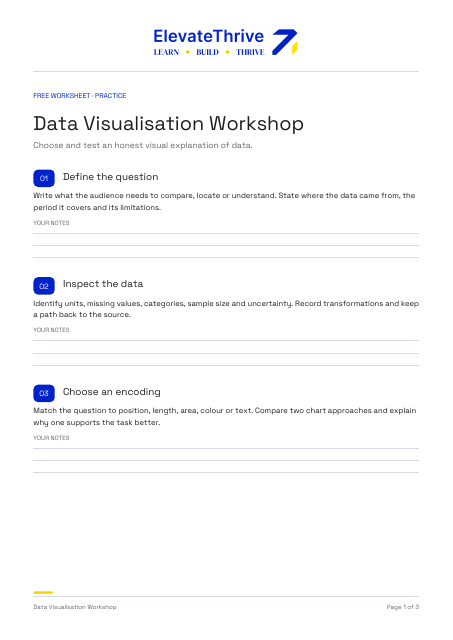
Choose and test an honest visual explanation of data.
Write what the audience needs to compare, locate or understand. State where the data came from, the period it covers and its limitations.
Identify units, missing values, categories, sample size and uncertainty. Record transformations and keep a path back to the source.
Match the question to position, length, area, colour or text. Compare two chart approaches and explain why one supports the task better.
Check scales, baselines, labels, units, colour contrast and reliance on colour alone. Provide a text takeaway and a data table or equivalent accessible alternative.
Ask someone to describe the key comparison and its uncertainty. Record misreadings, revise one encoding or annotation, and state what the chart cannot establish.
You’ll leave with: Choose and test an honest visual explanation of data.
The learning approach
A clear introduction to the idea or method.
A practical activity tied to a meaningful challenge.
Discuss decisions, assumptions, and what you learned.
Identify how to use the approach in your own work.
We’ll discuss the audience, learning goals, delivery format, and available time before proposing a workshop.
A focused introduction, hands-on session, or a sequence of sessions can be considered according to what your team needs.
Dates, duration, group size, materials, and fees are confirmed in the proposal.
We agree the starting level before the workshop. Introductory sessions can focus on concepts and practical tasks without assuming coding knowledge.
Yes. We can discuss a suitable challenge and what information can be used before the session.
Tool choices and any access requirements are agreed in advance, based on the topic and your organisation’s policies.
Yes. A workshop can help frame an opportunity, while a separate consulting engagement supports deeper discovery or implementation.
Start a conversation
Share who the workshop is for and the change you want it to support.
Discuss a Team WorkshopSelf-directed practice
Use thirteen working studio tools to rehearse a jury, sharpen a brief, sketch, critique or plan a portfolio project.
Explore studio tools